Upload product context
Add a product photo, model reference, style reference, or product brief.
Generate product images, try-on visuals, PDP copy, SEO fields, and multilingual listings in one commerce production workspace.
3 studios
Image, Try-On, Content
9 workflows
Launch-ready outputs
1 history
Every job reusable
AIProdShot Studio
Launch set builder
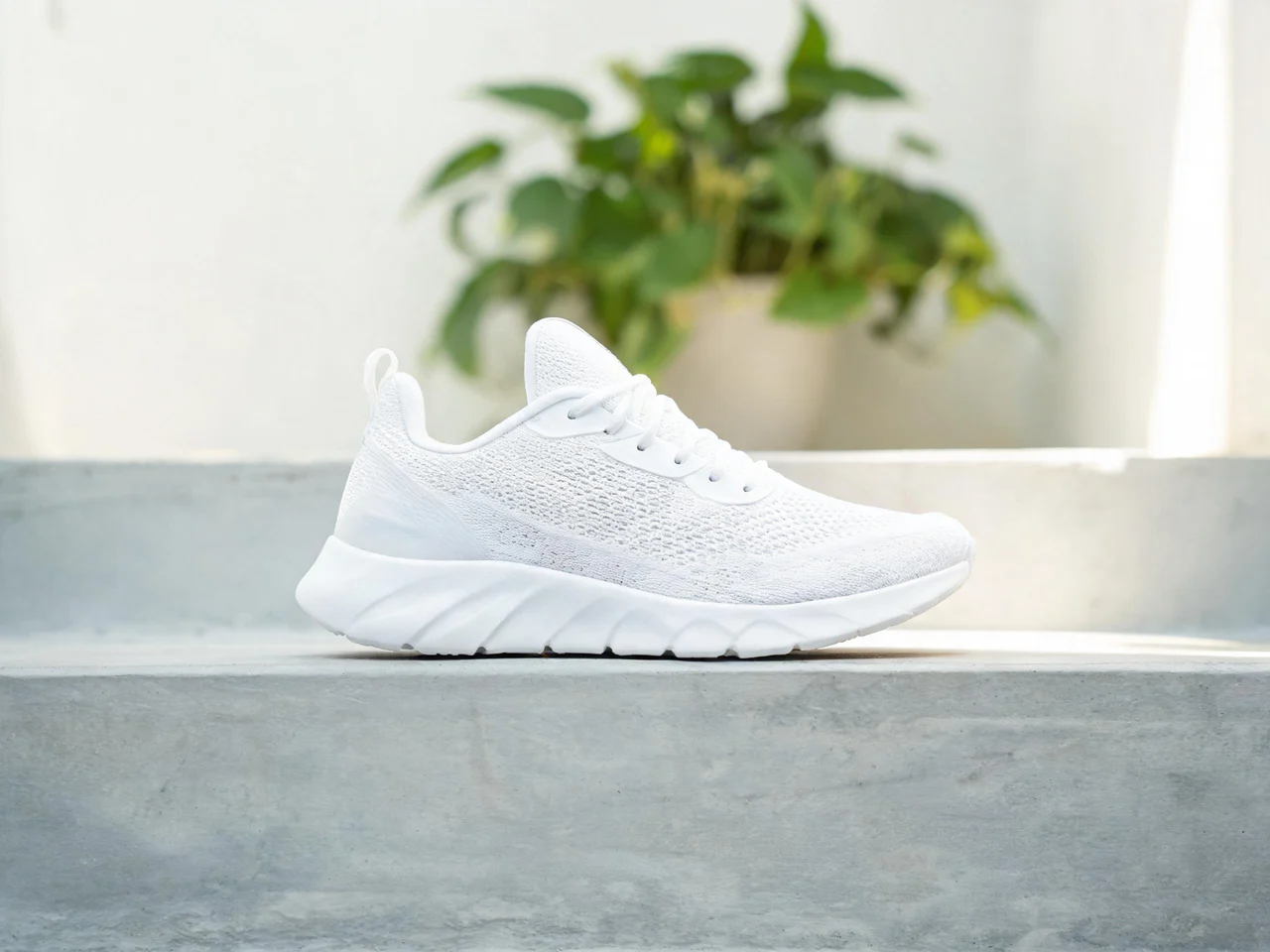
Source product
Configured
Background
Configured
Aspect ratio
Configured
Marketplace
Configured
White backgrounds, lifestyle scenes, reference-led variants, and batch SKU image production.
Open Image StudioOn-model and try-on product assets for apparel, shoes, bags, watches, and accessories.
Open Try-On Studio
Product titles, bullets, PDP packs, SEO fields, FAQs, and multilingual listing copy.
Open Content StudioMost tools solve one edit. AIProdShot organizes the whole production package: images, try-on, variants, batch refreshes, listing copy, SEO metadata, and translations.
Add a product photo, model reference, style reference, or product brief.
Pick image, try-on, variant, batch, copy, PDP, or multilingual content workflows.
Download visuals, copy listing content, and reuse briefs for future SKUs.
Guide pages teach the workflow. Use cases match buyer intent. Showcase proves output quality. Every path leads back to Generate with app-specific attribution.
Quick answers for sellers comparing AIProdShot with single-purpose editing tools.
It is organized around ecommerce production: image generation, try-on, batch assets, PDP copy, SEO fields, and multilingual content.
Yes. Public use cases and Studio presets are built around marketplace mains, PDP galleries, social crops, ad creative, and listing copy.
No. Content jobs use the configured provider and prompt templates, and fail clearly if no content-capable endpoint is configured.